You've downloaded a comic book file. It ends in .cbr or .cbz. You tap it on your iPhone and... nothing happens. iOS doesn't know what to do with it.
You're not alone. If you're trying to read CBR on iPhone or open CBZ files on iPad, you've discovered that Apple's Files app can't handle these formats. Apps like ComicFlow solve this. They open CBR, CBZ, RAR, ZIP, and PDF files directly on your device with no conversion required. Below we'll cover what these files actually are, and how to start reading in seconds.

What Are CBR and CBZ Files?
Despite the fancy extensions, CBR and CBZ files are surprisingly simple:
- CBR = Comic Book RAR, a RAR archive containing image files (one per page)
- CBZ = Comic Book ZIP, a ZIP archive containing image files (one per page)
Really, they're just compressed folders of images (usually JPEG or PNG), named sequentially so pages display in order. The comic industry adopted these formats because they're lightweight, easy to create, and preserve image quality.
You'll also encounter RAR and ZIP files that contain comics but don't use the .cbr/.cbz extension. Same thing, just renamed archives.
Why Can't iPhone Open Them?
iOS can natively extract ZIP files, but it doesn't understand the "comic book" part. If you rename a .cbz to .zip and extract it, you'll get a folder of loose images. Not exactly a reading experience. You'd need to swipe through dozens of individual image files in the Photos app.
CBR files are even worse. iOS has no built-in RAR support at all.
What you need is a dedicated CBR reader for iOS, an app that:
- Understands these archive formats
- Extracts the pages in the correct order
- Displays them in a proper comic book reader with page navigation
The Fastest Way: Read Directly Without Converting
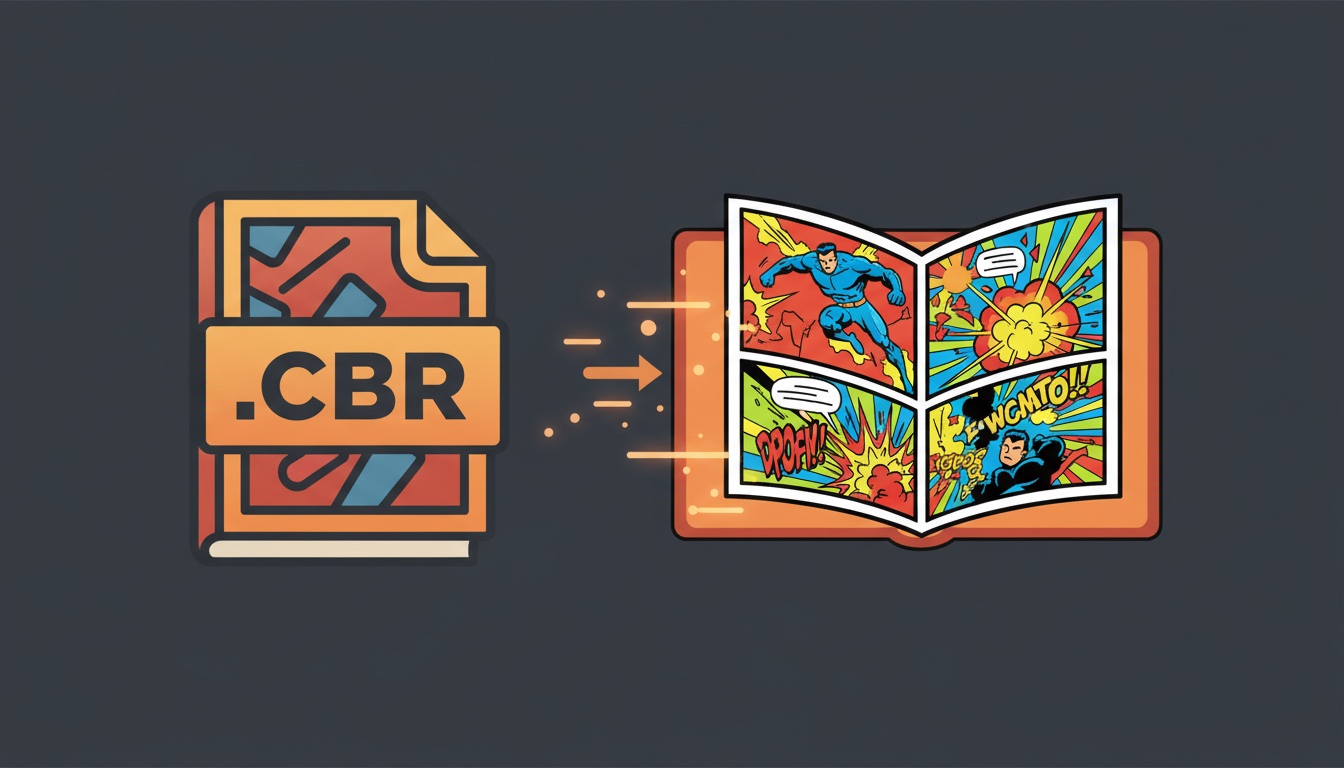
The simplest approach is to skip conversion entirely. ComicFlow opens CBR, CBZ, RAR, ZIP, and PDF files directly. Import a file and start reading immediately.
How to import comics on iPhone:
- From Files: Open the Files app, find your comic file, tap it, then choose "Open in ComicFlow"
- From Safari: If you downloaded a comic file, tap the download and share it to ComicFlow
- From email: Tap the attachment, then share to ComicFlow
- From AirDrop: AirDrop the file from your Mac, choose ComicFlow as the destination
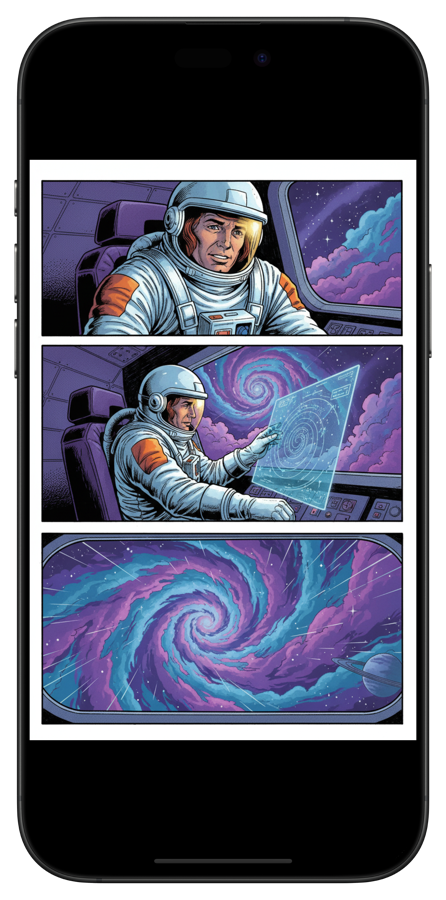
Once imported, the comic appears in your library and you can read it instantly.
All 5 Supported Formats
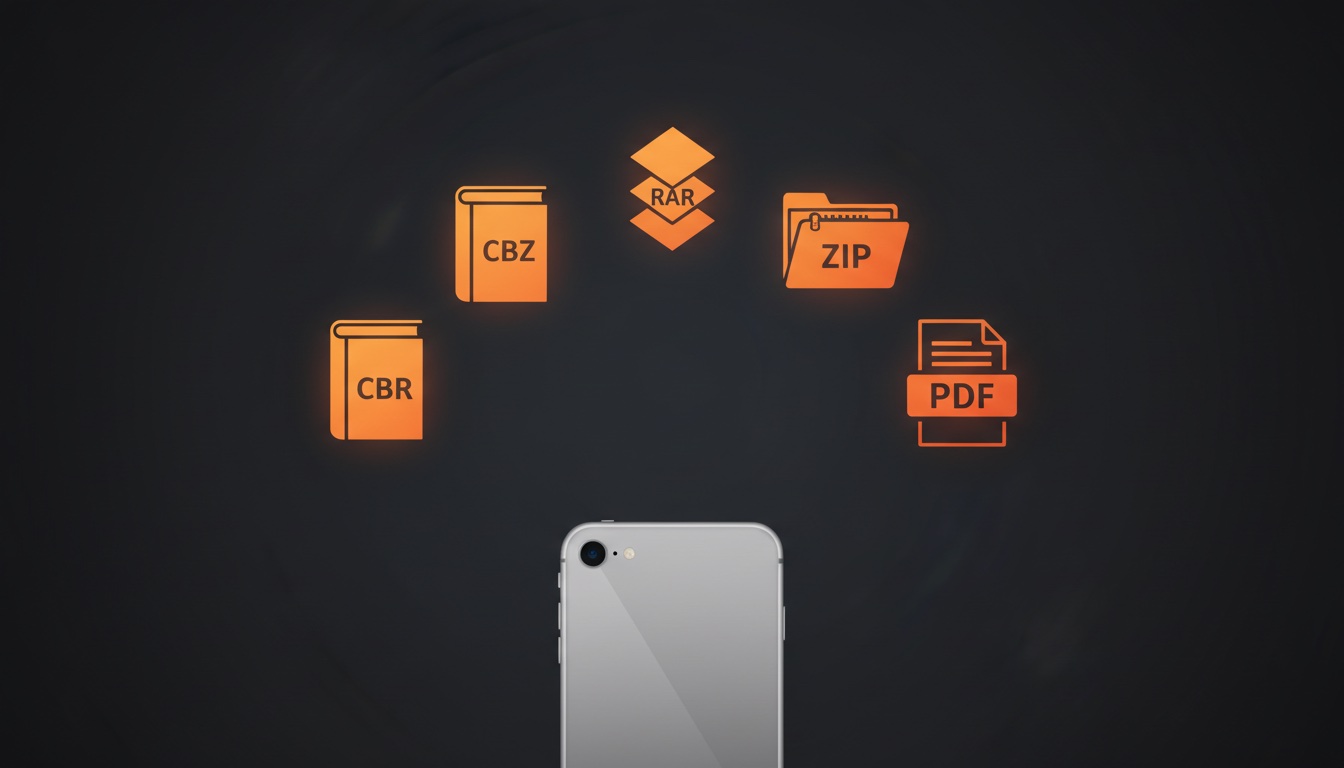
A quick reference for every format you might encounter:
| Format | Extension | What It Is | Can Read? | Can Convert to PDF? |
|---|---|---|---|---|
| Comic Book RAR | .cbr |
RAR archive of images | Yes | Yes |
| Comic Book ZIP | .cbz |
ZIP archive of images | Yes | Yes |
| RAR Archive | .rar |
Same as CBR, different extension | Yes | Yes |
| ZIP Archive | .zip |
Same as CBZ, different extension | Yes | Yes |
.pdf |
Standard document format | Yes | Already PDF |
If you receive comic files in any of these formats, you're covered.
Optional: Convert to PDF
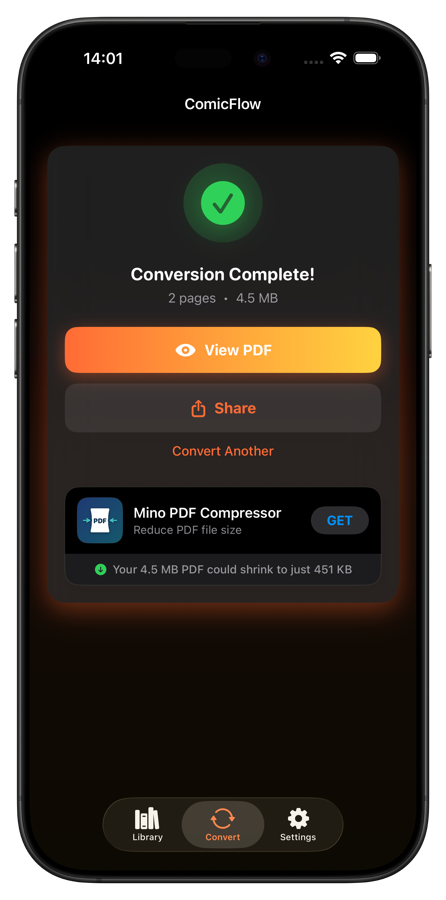
Sometimes you want a PDF instead. Maybe to read in Apple Books, share with someone, or print pages. ComicFlow also handles conversion:
- Import your CBR or CBZ file
- Tap the convert option
- Choose quality: High (best detail), Medium (balanced), or Low (smaller file)
- Get a standard PDF you can share anywhere
But for everyday reading, direct reading is faster and simpler. No conversion needed.
Reading Features That Matter for Comics
A good comic reader isn't just about opening files. The reading experience matters too:
Page modes. Single page for phones, double-page spread for iPad in landscape. Auto mode switches between them based on orientation.
Manga support. Right-to-left reading mode for manga, with the page scrubber mirrored to match.
Vertical scroll. For webtoons and long-strip comics that read top to bottom.
Progress tracking. Automatically saves your page so you can pick up where you left off. Useful when you're reading multiple series at once.
Night mode. Custom brightness and background colors for reading in the dark without eye strain.
Where to Find Digital Comics
If you're new to digital comics, there are a few good places to find CBR and CBZ files:
- Humble Bundle has regular comic bundles, often DRM-free CBZ
- Image Comics sells DRM-free digital comics
- DriveThruComics has a large catalog of independent comics
- Internet Archive hosts public domain comics (legal and free)
- Your existing collection counts too. Many people have accumulated CBR/CBZ files over the years
Most digital comic stores deliver files as CBZ or PDF. If you get CBZ files, you can read them directly without any conversion.
Try It Out
The whole process takes about 30 seconds:
- Download ComicFlow ($2.99, one-time purchase)
- Import your first comic file
- Start reading
Works entirely offline, no account or internet required. Your comics never leave your device.
If you've got CBR and CBZ files sitting around with no way to read them on your iPhone, this is the fix.